Digital Signs
Digital Signs for London Shops: A Clear, Useful Guide
See when a screen can help your business, where it works best and how to keep its messages easy to read and up to date.
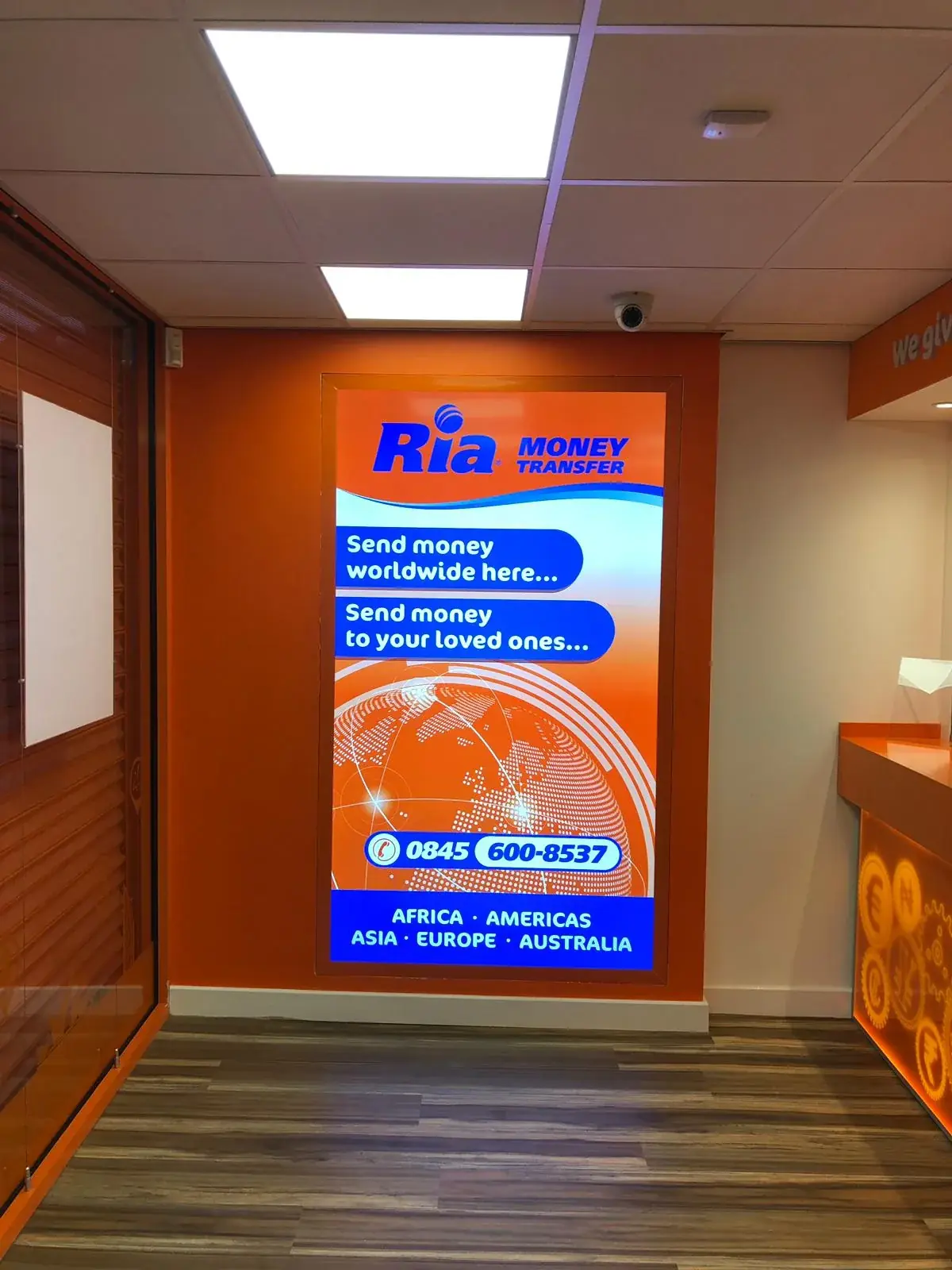
A screen can change its message in seconds. That is useful when your menu, offer or service information changes, but a screen is not the right answer for every sign. A shop owner may need to help visitors find the counter, show a lunch menu or explain a service to someone who has just walked in. Start with that everyday need, then decide whether moving pictures or changing text will help. Think about where people will stand, how bright the room is and who will update the screen. Keep fixed signs for details that must always be there, such as your shop name or an important direction. This guide walks through those choices in plain terms, with practical examples for shops, cafés and other London businesses.
Decide what the screen needs to do
Write down the question a customer has when they see the screen. A café might want to show breakfast in the morning and lunch later. A reception desk may need to tell guests which room to visit. A shop could use a screen to explain a service or share an offer that ends soon. These jobs are not the same, even though they all use a screen. Say who will look at it, where they will be and what you hope they will understand next. That simple note gives you a better starting point than picking a screen because it looks modern.
Think about how often the message changes. If the shop name or opening hours rarely change, a printed sign may be easier to look after. If prices and items change every day, changing the screen may save the work of replacing printed menus. Also ask what people should do after reading. Should they join a queue, speak to a member of staff or look for a certain room? Keep the action simple. A screen earns its place when it shares changing information in a way that a fixed sign cannot do as easily.
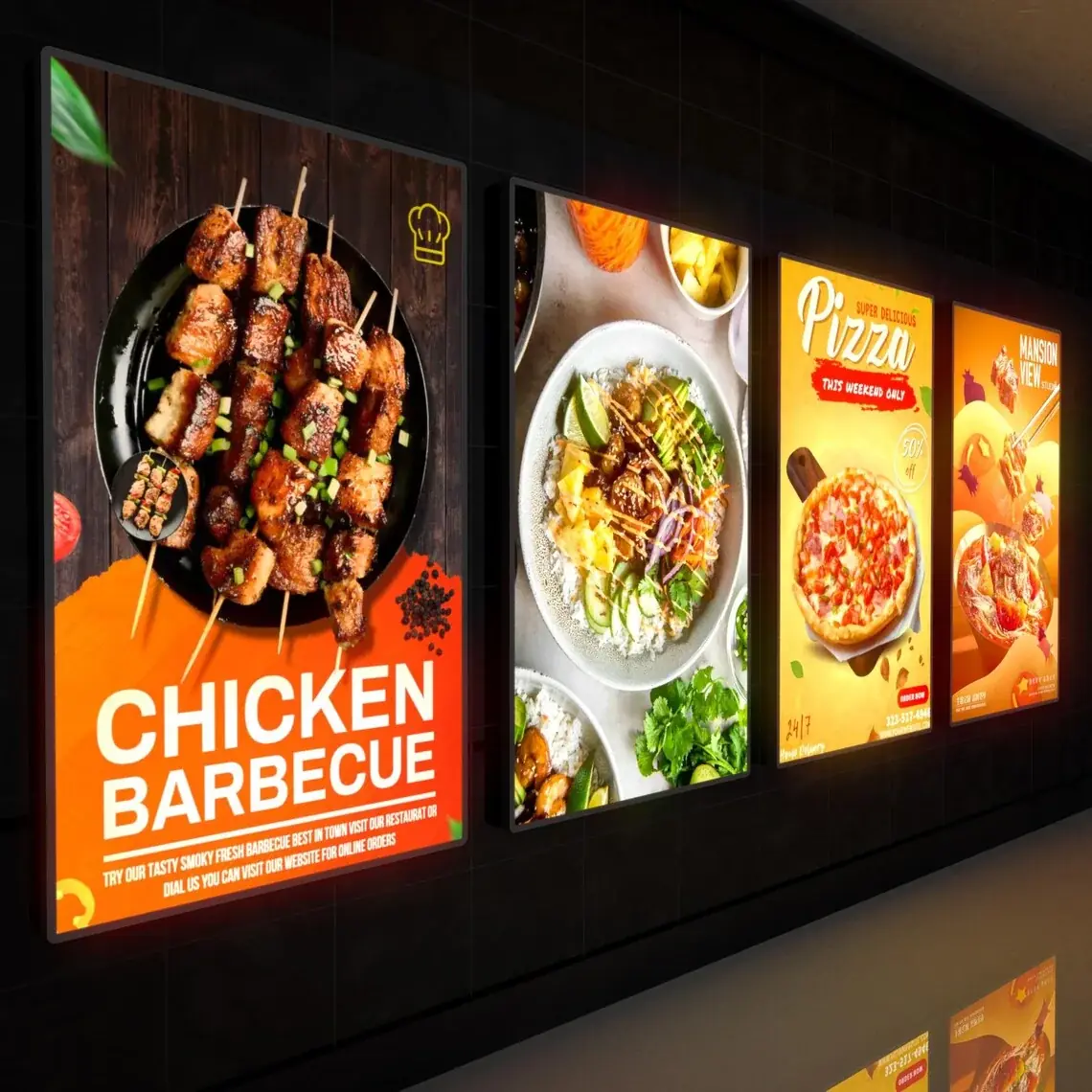
Put the screen where people can see it
Stand where a customer first enters, then look at the places they naturally face. A screen should be easy to notice before someone needs the information, but it should not block a doorway, hide another sign or get in the way of people moving around. Ask whether customers will stand close, walk past or look from the other side of a room. A menu near the queue may work well; a welcome screen tucked behind the counter may not. Take a few photos from these spots so you can compare possible locations.
Light can change what a screen looks like. Sun shining through a window may make the picture hard to see, and reflections from window glass can cover the words. A screen facing the street may look bright in the morning and washed out later in the day. Check the place at the hours when customers will use it, not only when you happen to visit. If the display is behind window glass, check it from outside too. Do not assume that a picture on a laptop will look the same on a screen in a bright shop.
Make each message quick and easy to read
Give each screen one main message. Use large, clear words, strong colour contrast and only a little extra detail. A customer looking up for two seconds cannot read a full page of small writing. Put a menu item and its price together. For directions, name the place and show a clear arrow. For an offer, explain the important rule in ordinary words. Try the message from the spot where customers will stand. If you have to move closer to read it, the letters may need to be larger or the message shorter.
Avoid changing slides so quickly that people miss the part they need. A long wait for the menu or a room number can annoy someone who is already in a hurry. Keep important information on screen long enough to read, and do not use flashing effects. Colour can make sections easy to spot, but do not use colour as the only clue. Add words or a simple symbol too. If a detail matters for safety or access, keep it available in a printed or fixed sign as well, so people can still find it if the screen is off.
- Choose one person to check and update the screen.
- Use large words and strong contrast.
- Keep safety details and key directions on a fixed sign too.
- Check spelling, prices and dates before a message goes live.
Choose a screen and a simple way to update it
Note when the screen will be on, whether it will be inside or outside, and whether it stands upright or sideways. Decide what words and pictures it will show and how often they change. Some update by memory stick; others use an app, a simple tool you sign into to send new messages. Ask if the screen keeps its last message when the internet stops.
Ask if the screen is made for your place. An outdoor window may need different features from a quiet office. Check how long it can stay on, how it stays cool and what the warranty covers. LED means “light-emitting diode,” a tiny part that makes light in many screens. Ask for plain explanations of any other unfamiliar terms.
Mix a screen with signs that stay in place
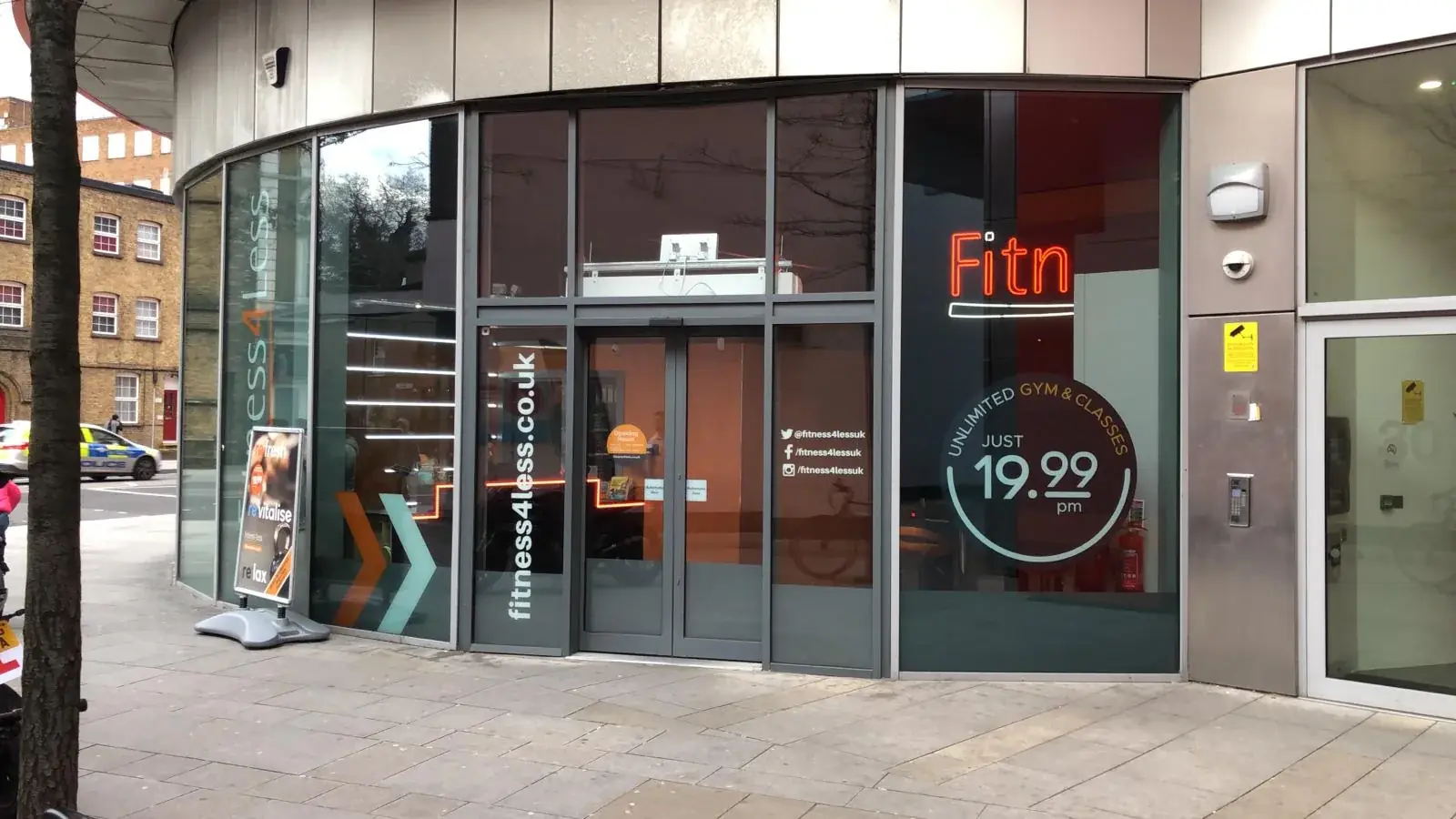
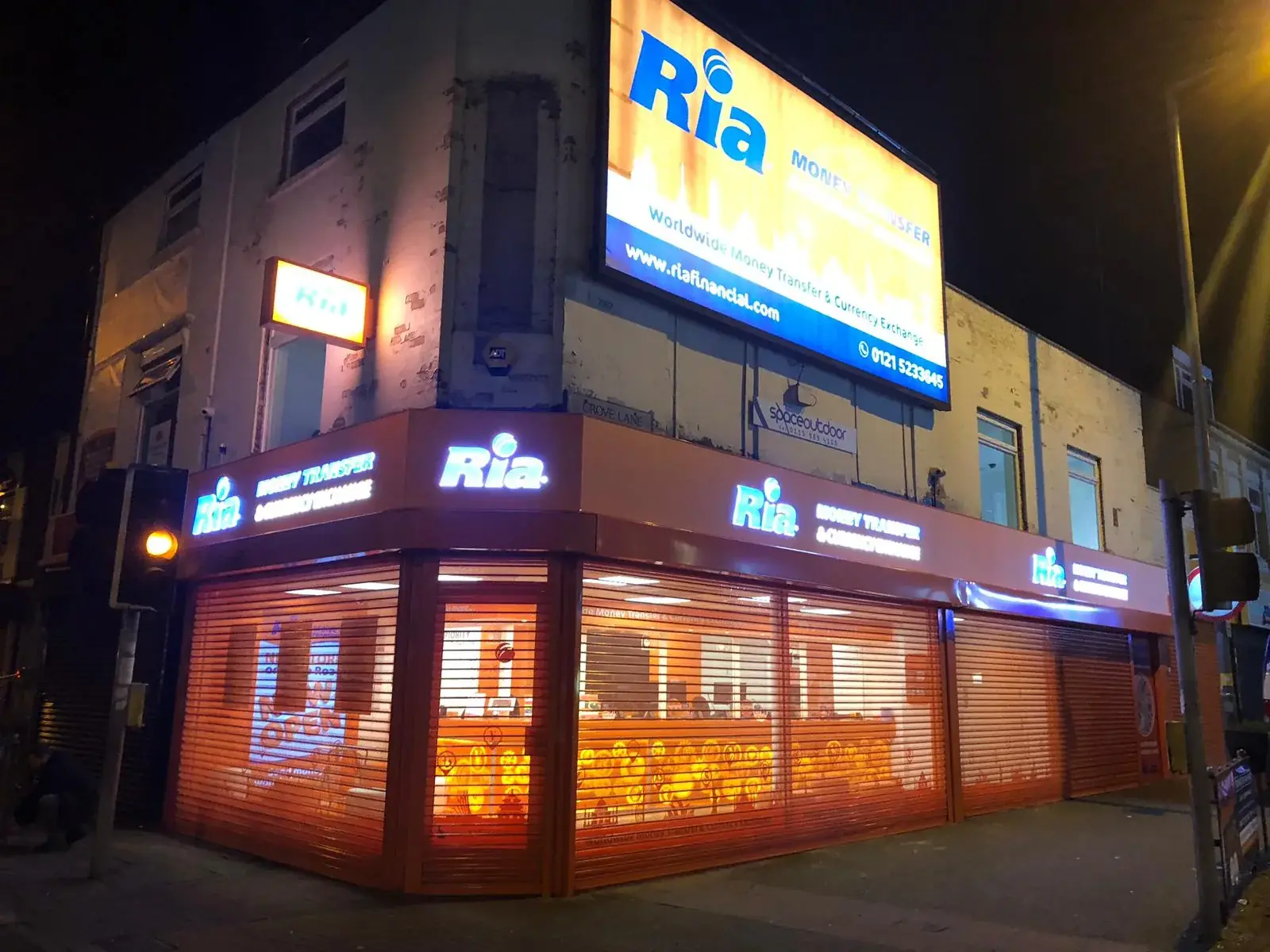
A screen and a printed sign can work well together. A permanent shop sign tells people they have found your business. A screen inside can show today’s offer or a menu that changes. Fixed room names and directions still help when a screen is switched off or the power goes out. Use the same colours and style so the signs feel like they belong together. Give the shop name the clearest place, then let the screen share the changing details. If every sign tries to grab attention, customers may not know where to look.
Compare the whole cost over the time you plan to use the display. Include the screen, fitting, making new messages, electricity, repairs and the time someone spends updating it. A printed sign can be cheaper to look after when its words rarely change. A screen may be useful when the information changes often, but you still need someone to keep it current. There is no single answer for every shop. Choose the option that suits the job and the time your team can give it.

Get the fitting and care plan ready
Before fitting, check the screen’s final position, the wall or stand, the power lead and the way a worker will reach it. Share photos and measurements with the installer. A visit to the shop may be needed to check the wall or cable route. Plan the work for a time that will not block customers or staff. Before the first message appears, read it on the real screen. Check every price, date, spelling and offer rule. Save a copy of the approved messages so you can find them later.
Decide how the screen will be cleaned and who is allowed to reach it. A high screen may need a safe way to access it, so do not climb on shelves or chairs. Ask how to report a fault and who can repair the screen. Keep the instructions and supplier details somewhere easy to find. Check now and then for a loose bracket, a damaged lead or a message that should have ended. If the screen sits beside fixed signs, check that a change to one has not made another sign confusing.
Plan the project around your real shop
For a useful first conversation, bring a photo of the space, an idea of the screen’s size and a sample of what you hope to show. Explain how often messages change and who will look after them. Ask which parts cover the screen and fitting, and which might need help from an electrician, internet provider or building manager. Look at a drawing or message sample before anything is made. Checking the plan early gives you a chance to spot a screen that is in the wrong place or writing that is too small.
London Signage can talk with business owners about signs around a screen and help think through the fitting needs. A screen may be right, a fixed sign may be simpler, or the two may work best together. The useful choice is the one that helps your customer at the moment they need information, and that your team can keep up to date. Start with the message, the place and the person who will care for it. Those everyday details make a stronger plan than choosing a screen first and hoping a use for it will appear. Bring those notes along before you order.
Commercial Signage London — Explore fixed signs and signs that work alongside screens.
Talk with London Signage — Share what you want a screen or sign to do.
Ask about your sign project — Send a few details about the place and your plans.
Common questions about digital signs
Frequently asked questions
Can a small shop use a screen sign?
Yes, if it helps with a real need, such as showing a menu or changing offer. First decide who will update it and how often the message will change.
Can a screen take the place of every fixed sign?
Usually it is better to use both. A fixed shop name or important direction stays there if the screen is turned off or stops working.
What should I share when asking about a screen?
Send a photo of the space, the rough size, what you want to show and how often it will change. Include power or internet details if you know them.
Who changes what the screen says?
Choose a person before the screen is fitted. Ask the supplier who can help with the screen itself, the app or internet connection.